
( 01 ) — Reysa vs. your spreadsheet
You built a training system in a spreadsheet.
Here's the version that runs itself.
A training sheet does two jobs: it holds the plan — what to do each day — and it records what actually happened. Reysa does both, without cell-editing between sets, and keeps the two connected: the plan on a calendar, the log checked against it.
training_2026_v7_FINAL(2)
fx =IF(COUNTIF(C4:C9,"done")>=5,"on track","MISSED??")
The same week in Reysa
( 02 ) — Credit where due
Your sheet earned its place.
Total layout freedom, your data in your hands, and free — nobody picks a spreadsheet by accident. It's the tool of people who take their training seriously. The problem was never the thinking behind your sheet. It's the upkeep.
( 03 ) — The loop
Plan it. Do it. See what you hit.
( A ) — Plan
Build routines and lay out multi-week plans — folders, blocks, a week grid you can see whole. Or describe your goal in a sentence and Premium's AI drafts the full plan onto the same editable canvas, refined with follow-ups.
( B ) — Do
No formula bar mid-set. The day's planned session is sitting there, ready to start — and what you log links back to the slot it fulfilled.
( C ) — See
Every planned session resolves — done, skipped, or flagged to review — with weekly scores, so the gap between the plan and reality is visible. Volume, muscle focus, records and per-exercise history compute themselves. No formulas to maintain.
( 04 ) — The full overview
One calendar. Every workout. Every app.
A sheet can't assemble what your other apps recorded — you are the sync engine. Reysa shows all of your training in one overview: strength, cardio, and runs, including workouts recorded in other apps, connected through Apple Health.
( 05 ) — The library
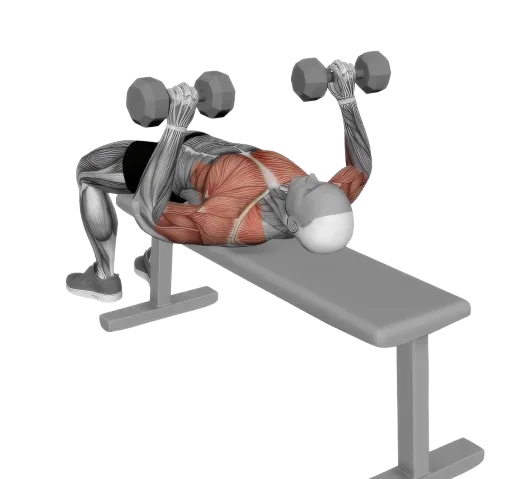
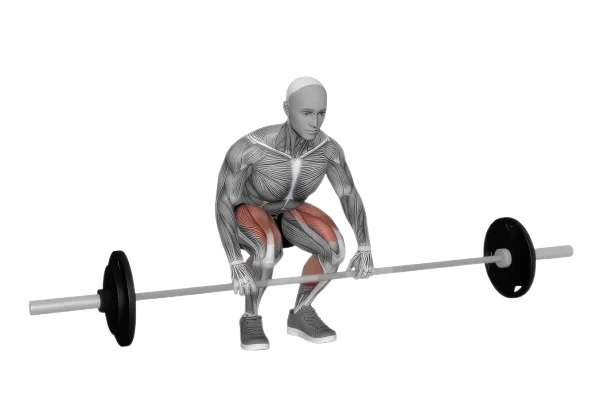
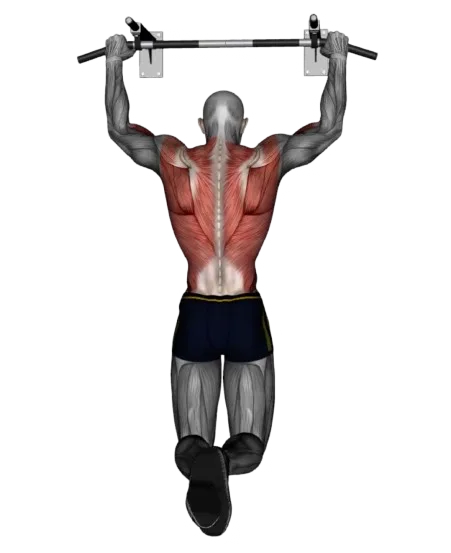
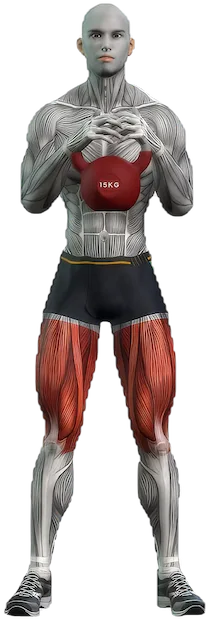
600+ exercises, not 600 typed cells.
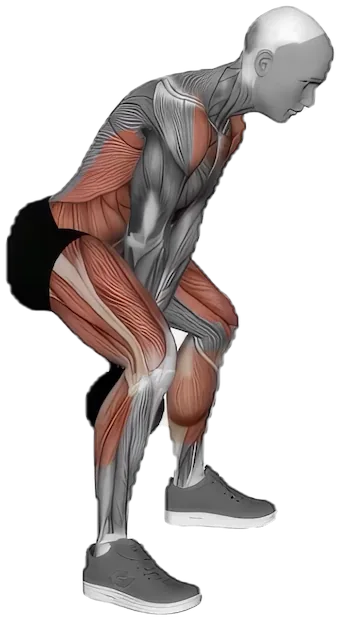
Plans are built from a library of 600+ exercises with animations and instructions — every entry knows its muscles and equipment, so your progress does too.
( 06 ) — Your data stays yours
Leaving is easy. That's the point.
CSV out, anytime
Export all your workout data to CSV whenever you like. A spreadsheet person's exit door, kept unlocked.
History in
Switching from Hevy or Strong? Import your export directly, and bring workouts from other apps along via Apple Health.
The big screen is coming
A web dashboard where your whole training history — including workouts imported through Apple Health — lives beyond your phone.
And if custom formulas are the part you love — genuinely, keep your sheet. For everyone else, there's the full tour.
Get Reysa
The plan tab, retired.
Free to start — no account, your data on your phone. Free shows your last 90 days; everything is recorded from day one, and your complete history unlocks with Premium.